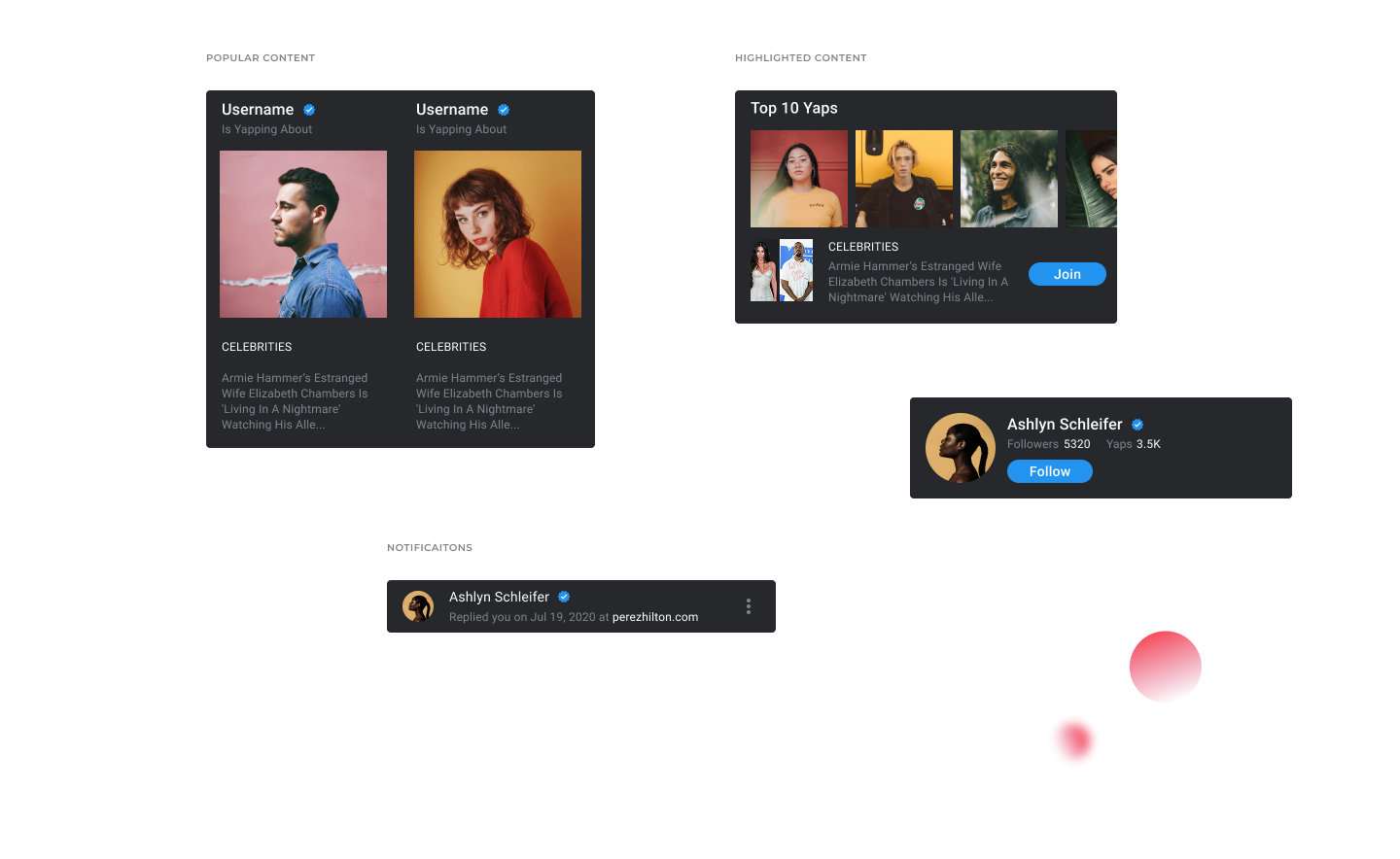
Symbols
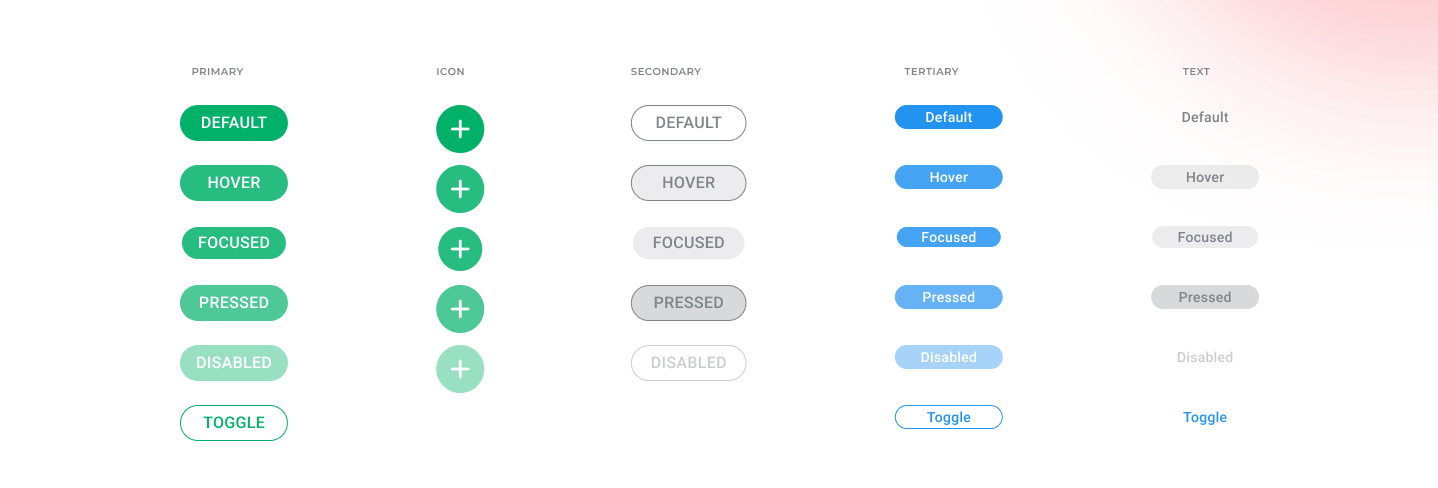
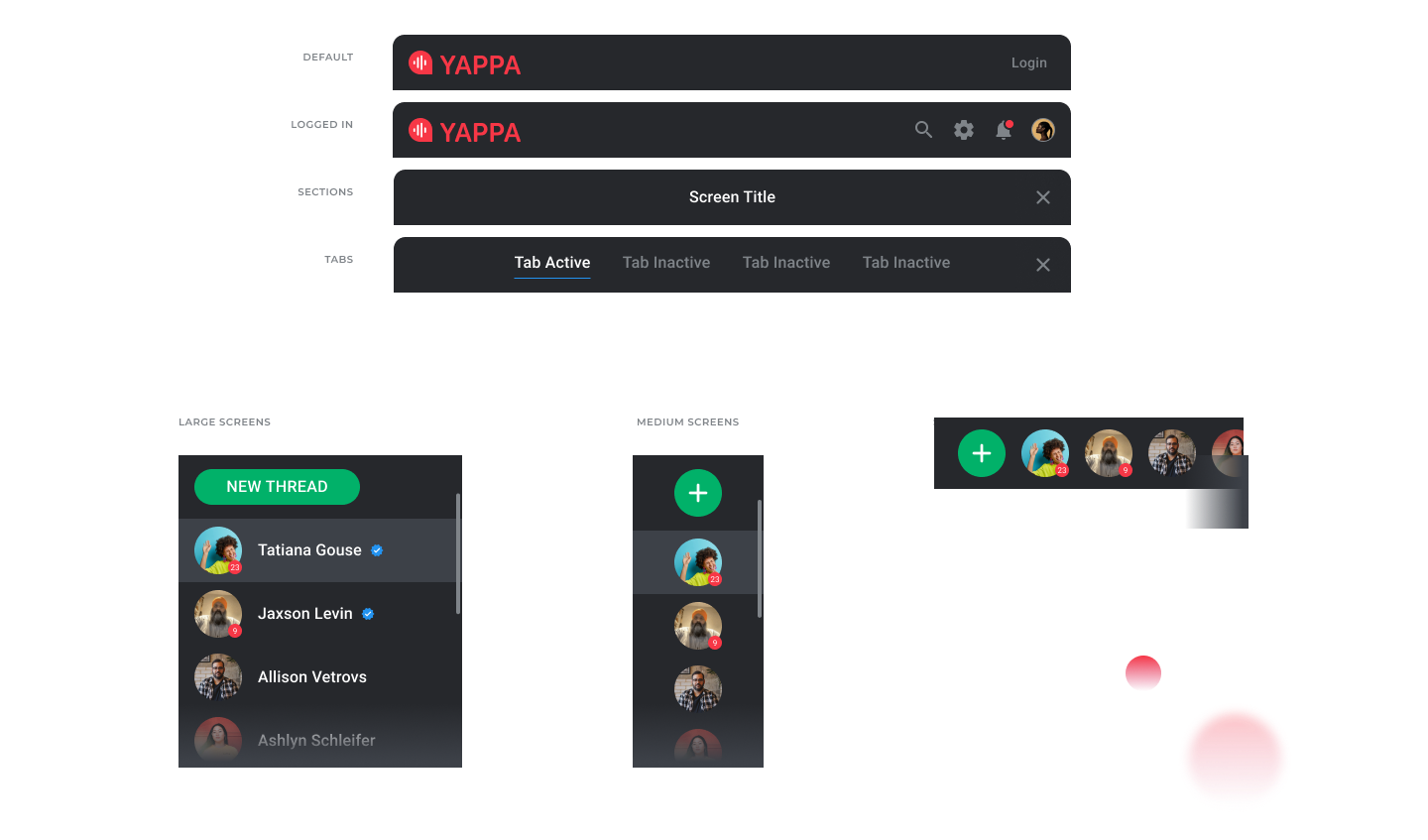
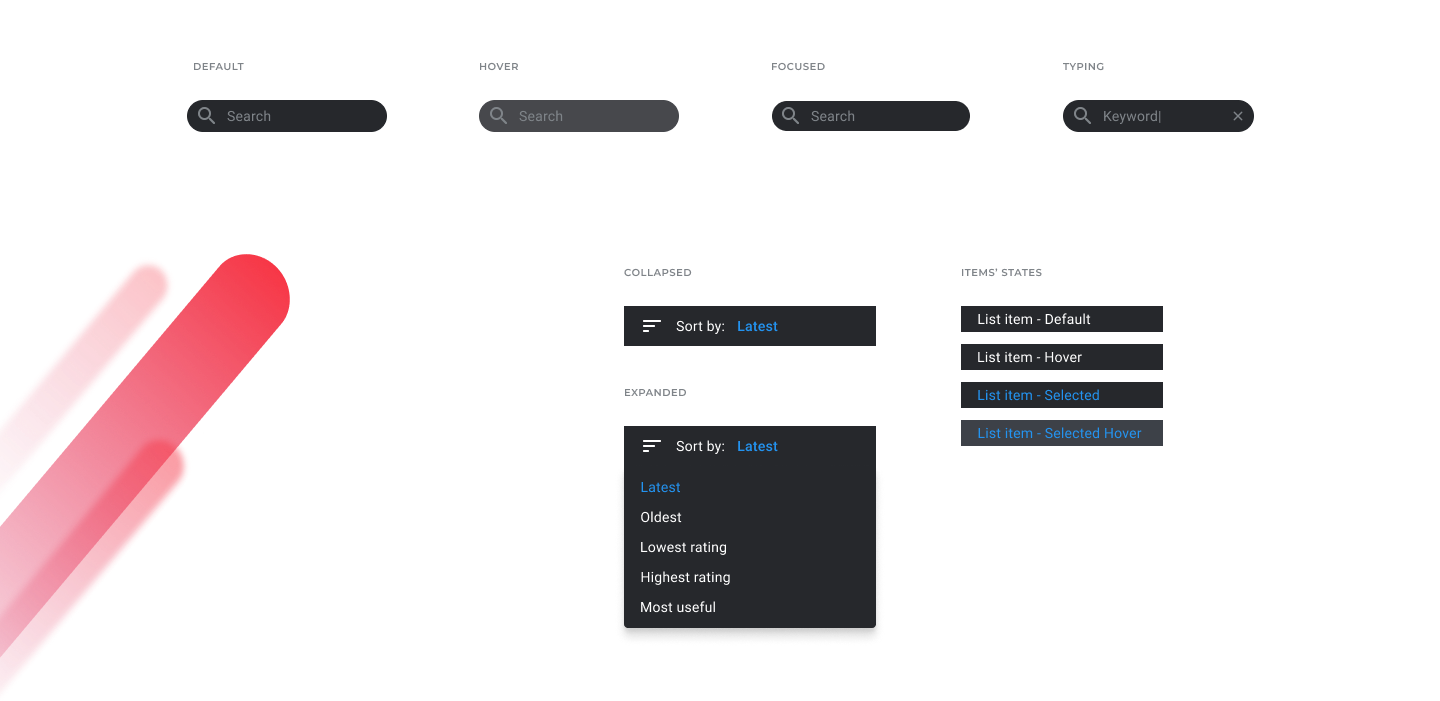
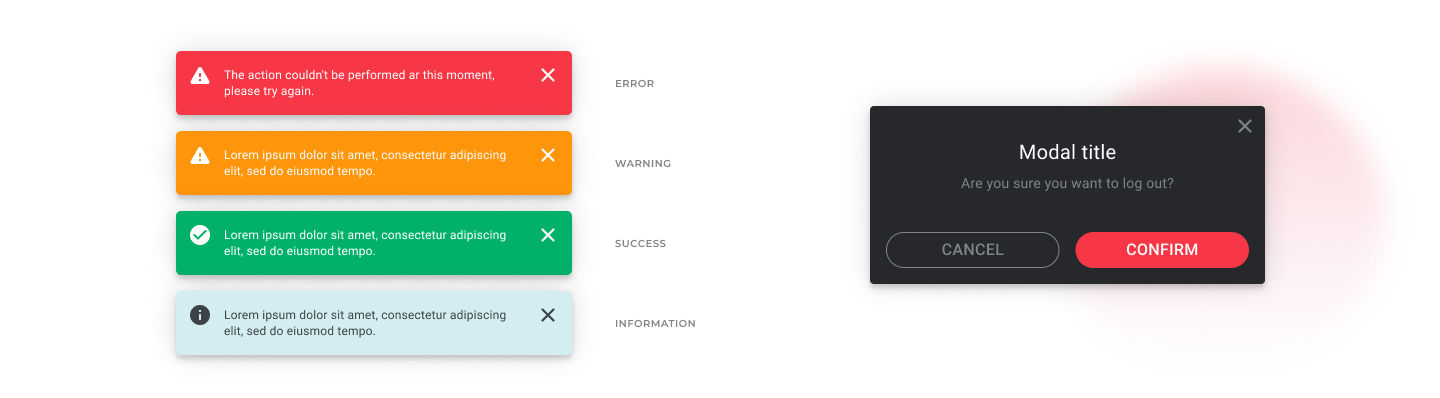
Reusable elements provided building blocks for the product interface.
Yappa / Conversation Widget
Redesigning a voice and video community widget to encourage more human conversations, supported by a reusable design system.
Product context
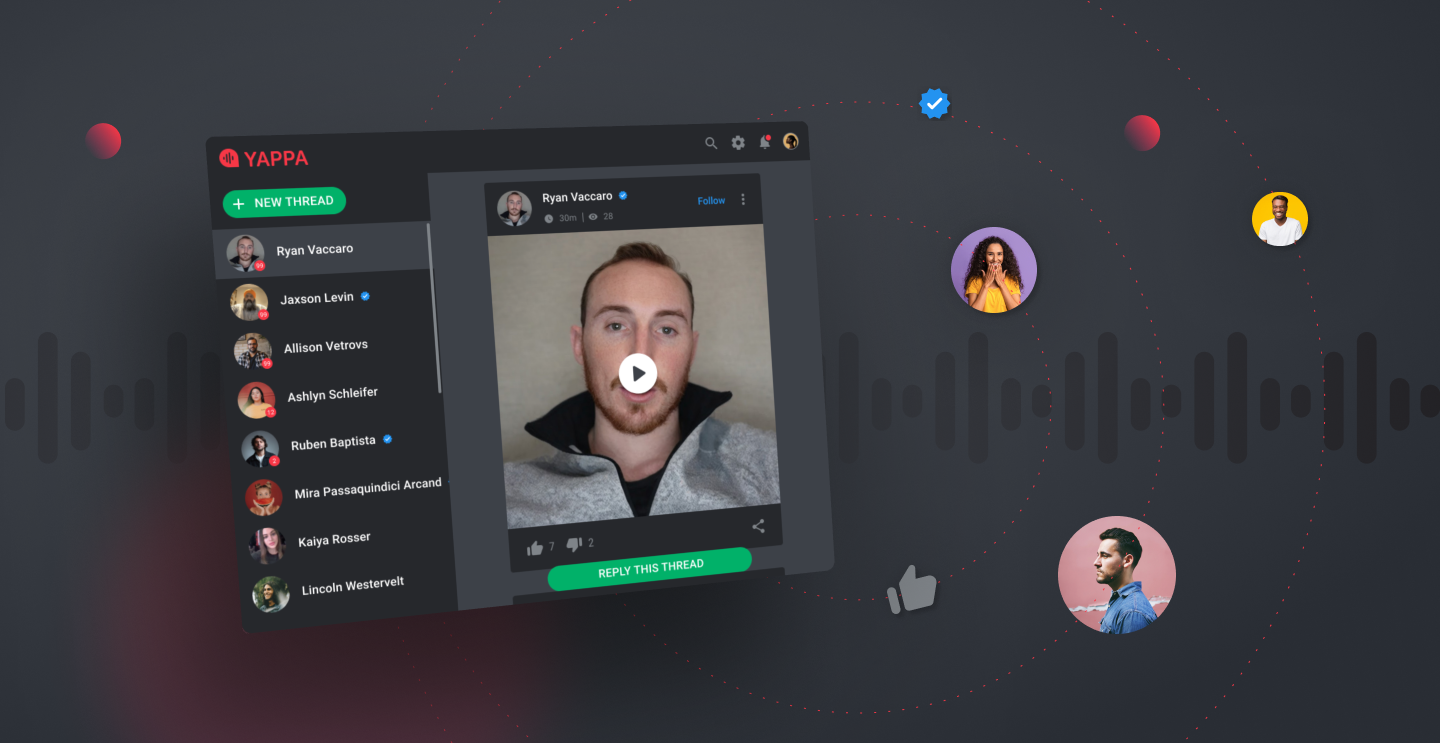
Yappa aimed to reduce the toxicity of online conversations by encouraging people to speak through voice and video, show their faces, and take ownership of what they said. The intent was to move away from anonymous trolling and impersonal, bot exchanges.
The widget brought a social community into websites and other publishing platforms. People could browse Yaps, share opinions, follow replies, and record an audio or video Yap without leaving the host experience.
Challenge
The client needed a complete restyling of its main product based on the brand’s visual language. The solution also needed to serve as a foundation for future products.
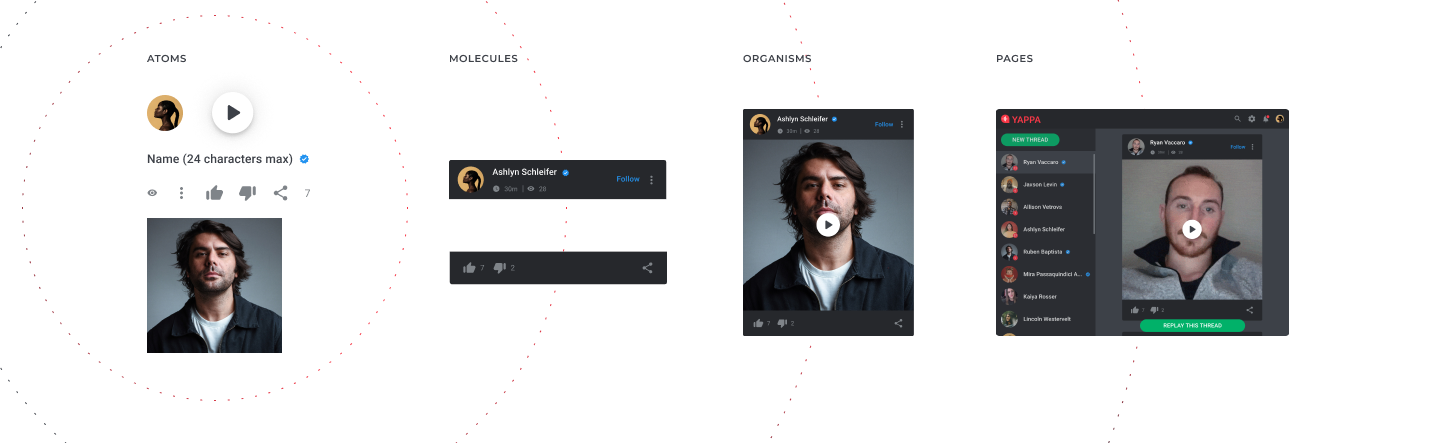
The proposed solution was to create a design system from scratch using an atomic approach.
Working in Figma
Reusable elements provided building blocks for the product interface.
Variants supported different versions of those elements.
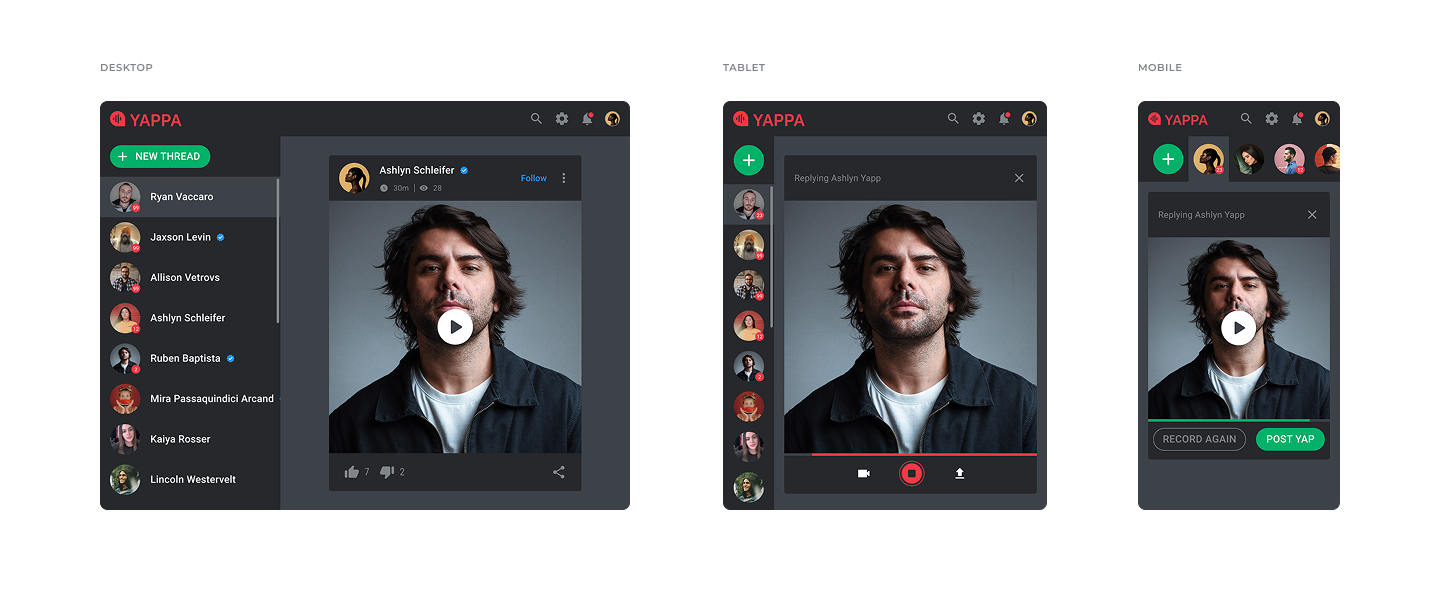
Responsive auto layouts supported composition across screen sizes.
Typography
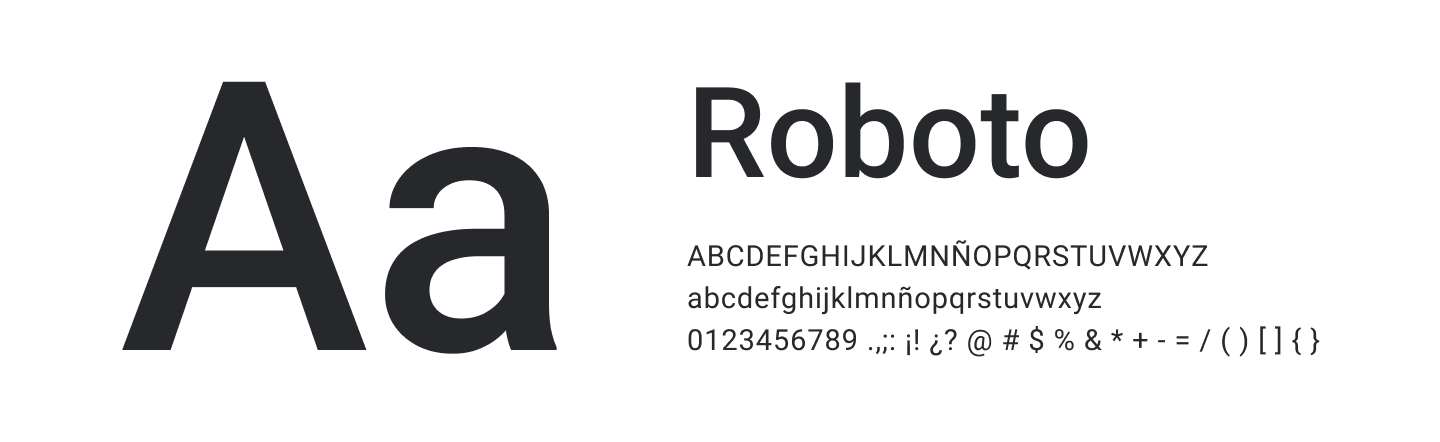
Roboto was the primary product typeface. The restyling updated its sizes and uses, replacing the condensed form with the regular, more expanded version to support readability.
The specimen shows 16 px Medium and 14 px Regular, with a 12 px size also listed.
Color
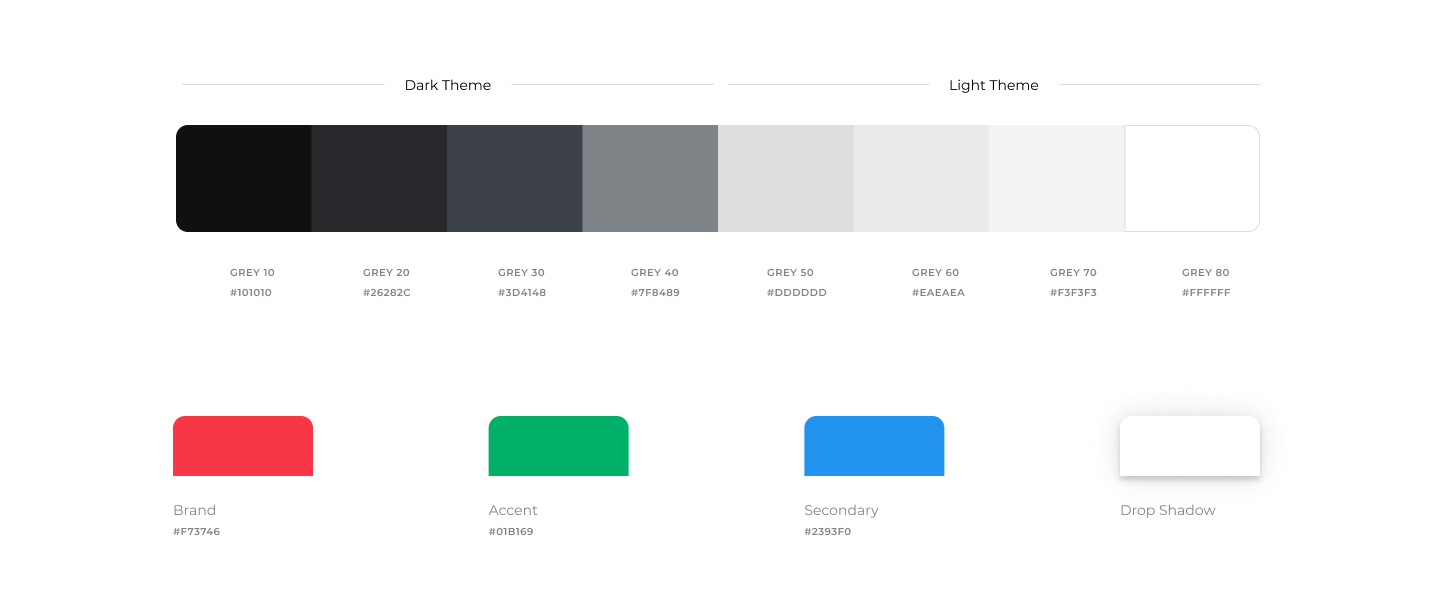
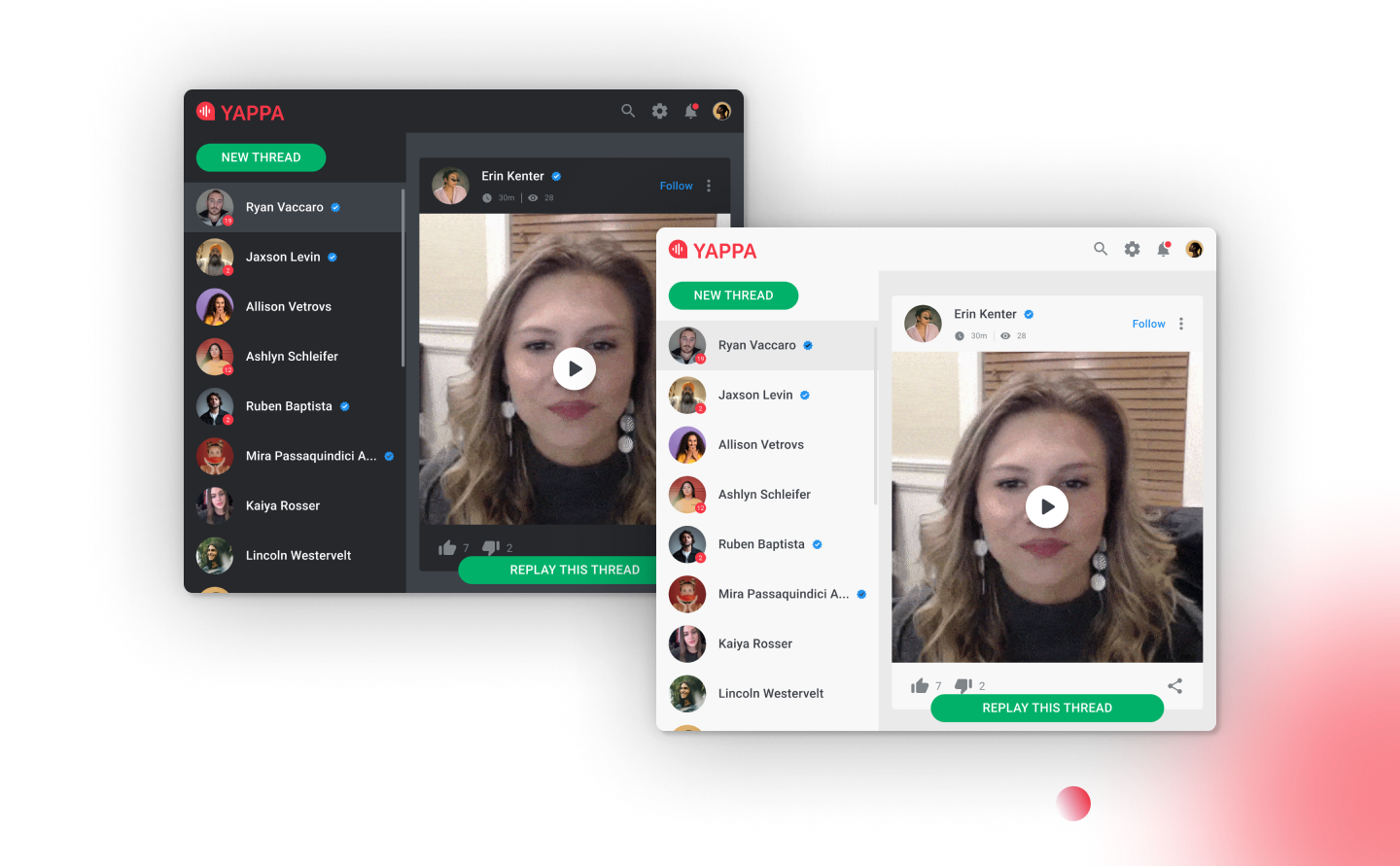
The color approach kept the interface simple and legible, with light and dark themes that could be configured to suit the platform hosting the widget.
Capture
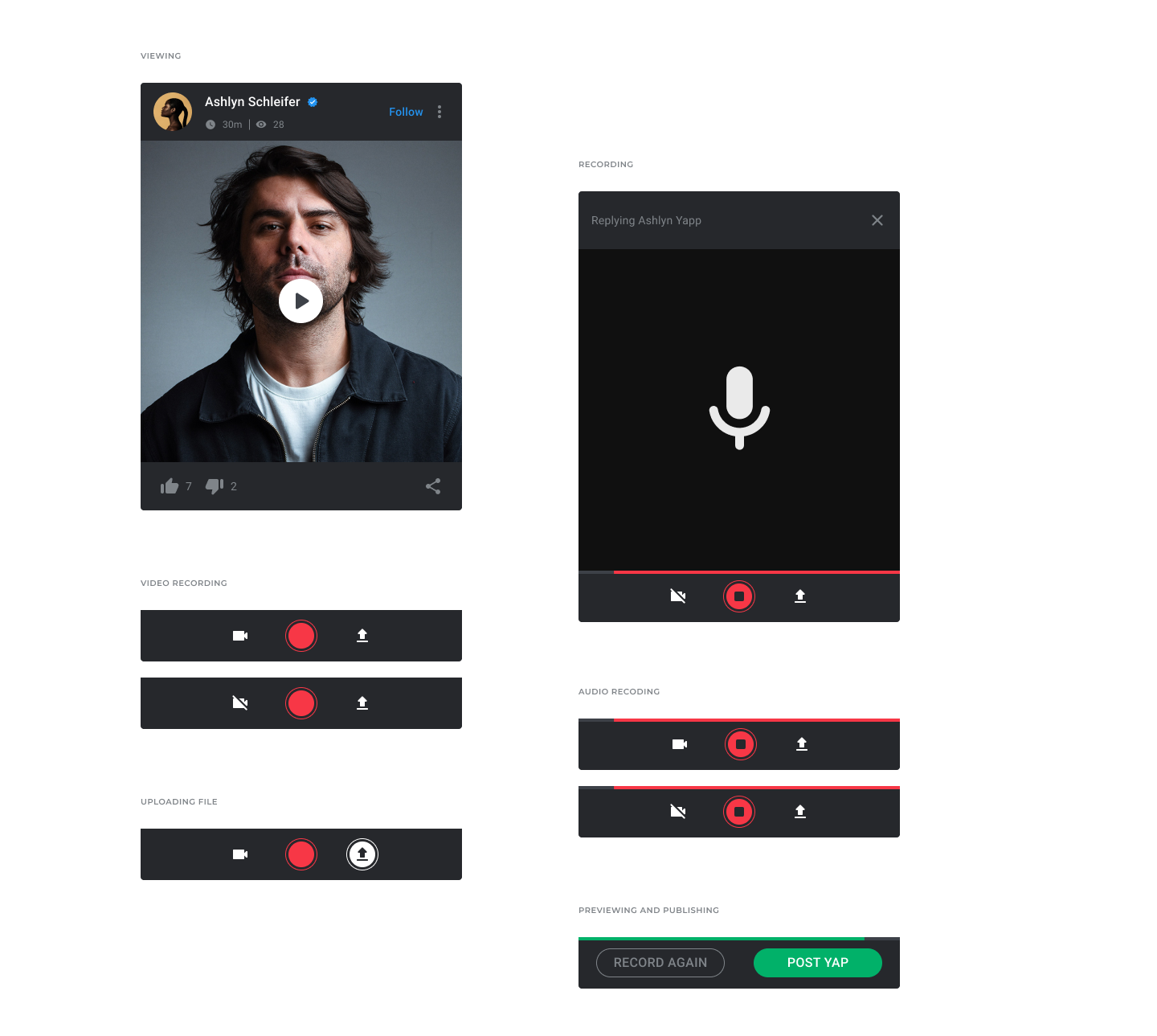
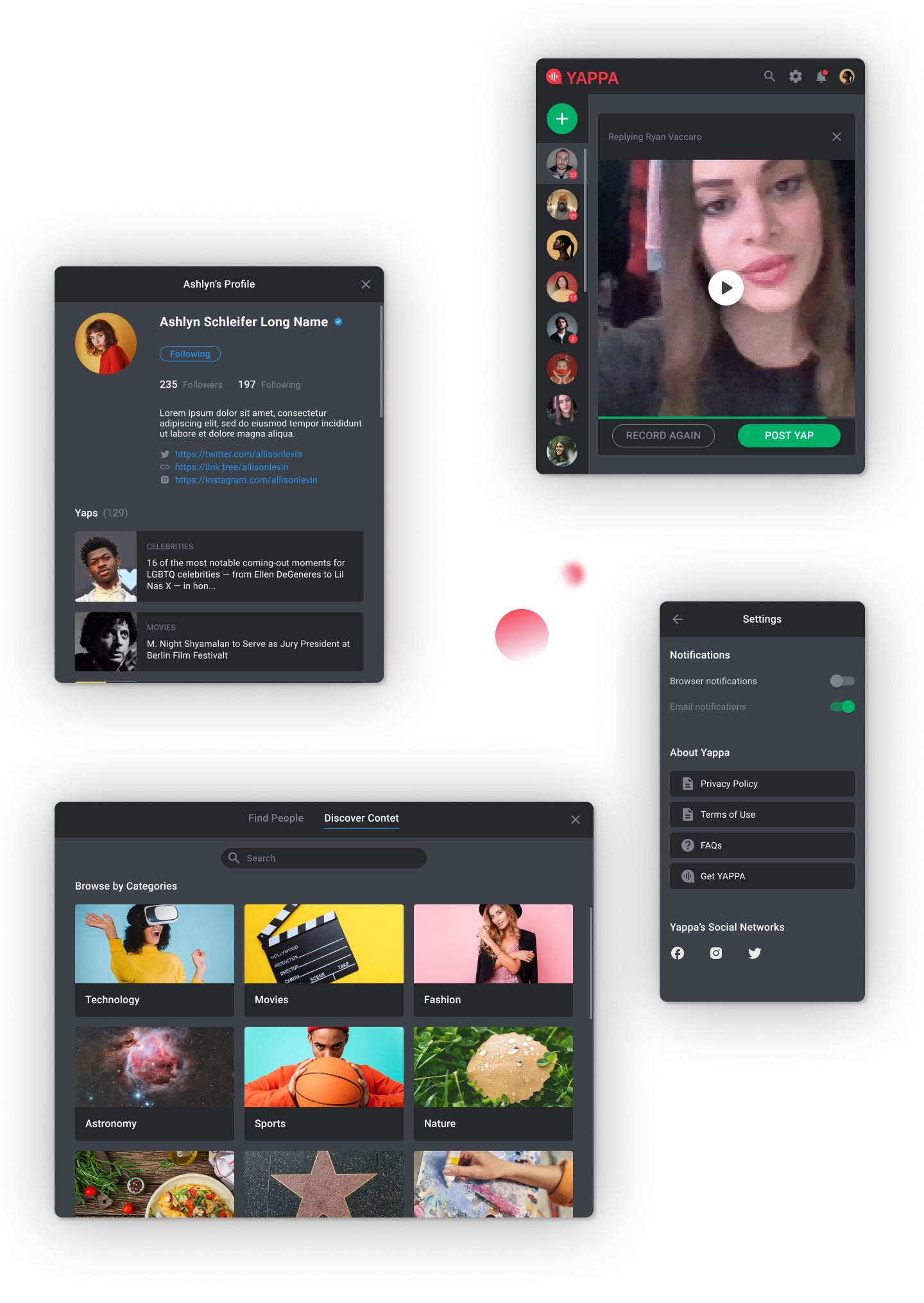
The examples extend the recording pattern to audio: a recording screen and a preview with actions to record again or post.
Screen gallery
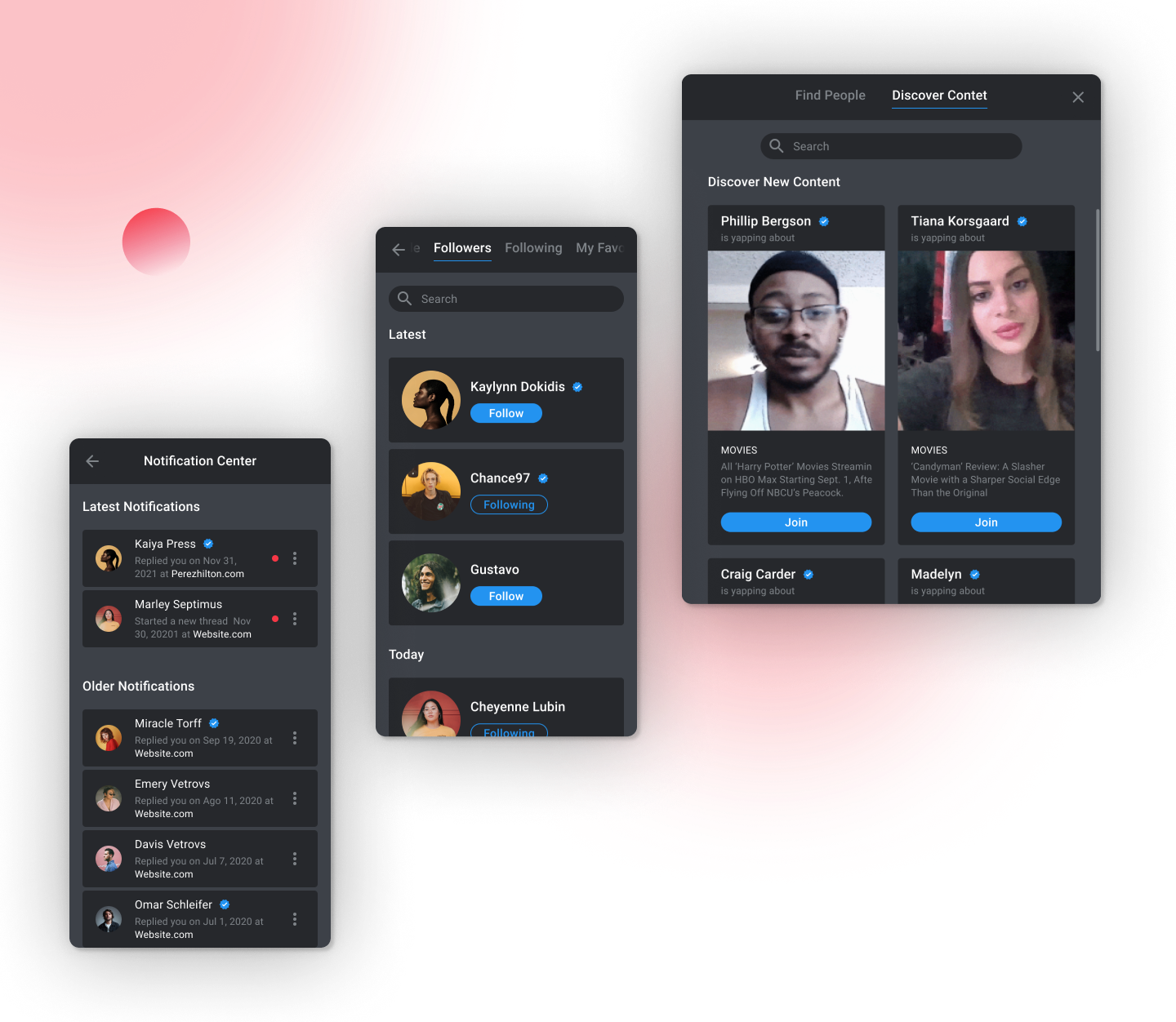
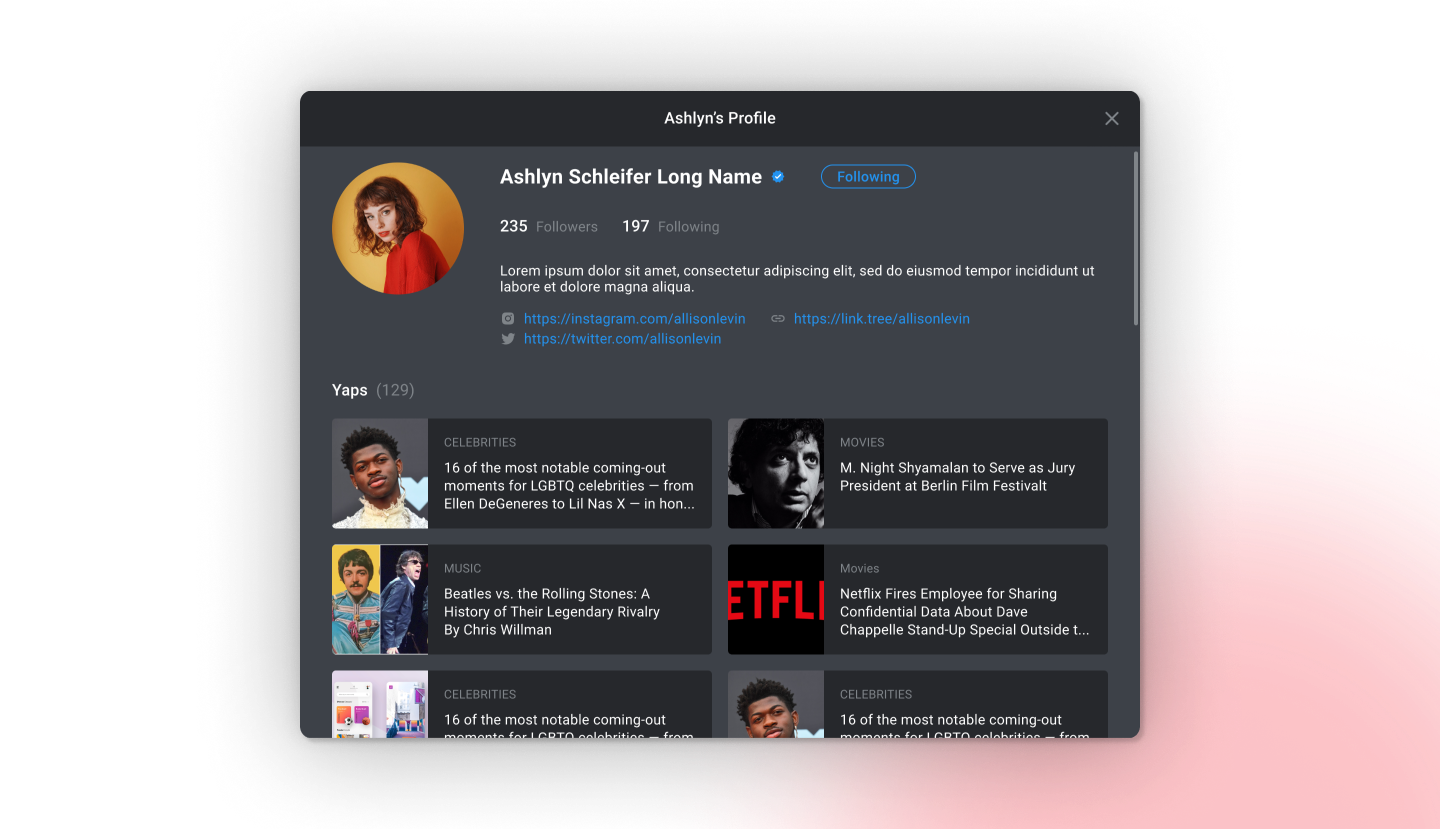
Discovery, following, notifications, profiles, playback, and settings use the same interaction and visual patterns across the widget.
Components